YOUR LIFE. ON FILM. SORT OF.

Everyday moments.
A little more
cinema.

The coffee run. The long way home. The people you love. Give ordinary moments a film-inspired feel, straight from your iPhone.

40 looks / 2 ways to shoot / Endless little stories

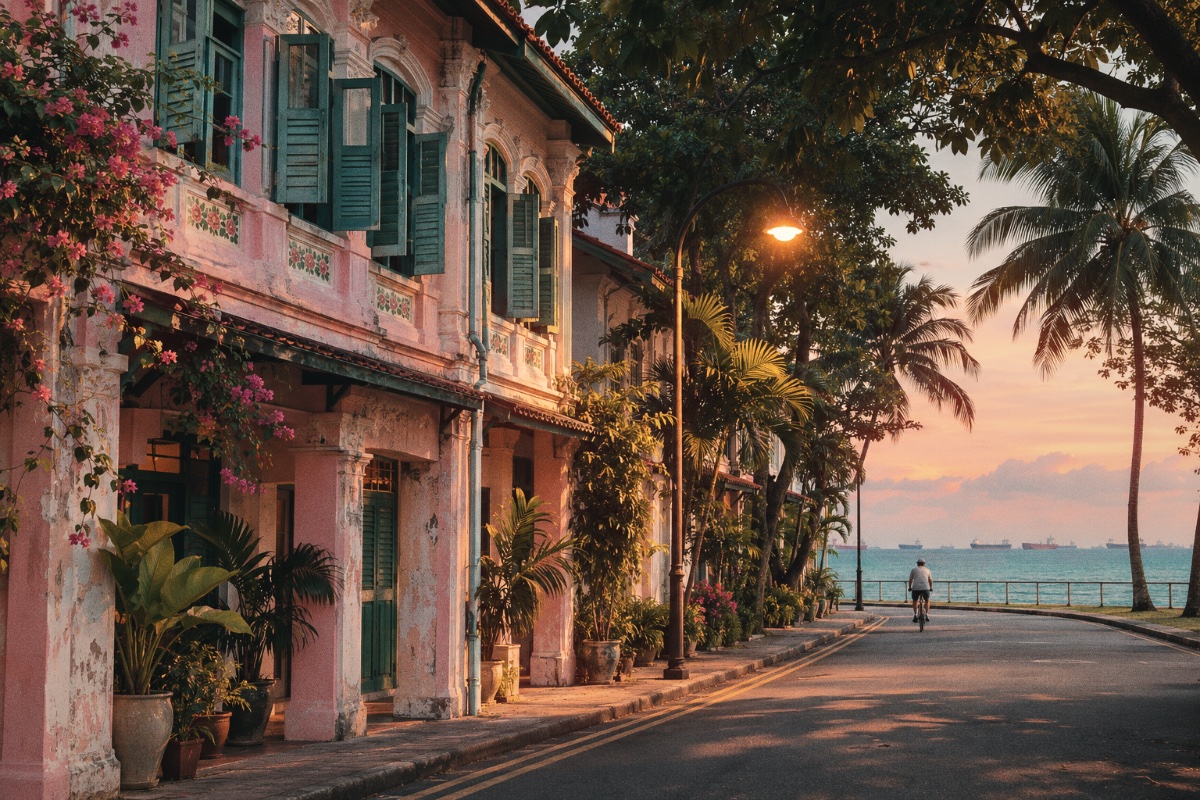
A cyclist rides past pastel shophouses toward the sea in warm evening light
A MOMENT WORTH KEEPING4K
Portra 400 FULL RETROOne of your two free looks
Illustrative scene · processed with the real tRVCR renderer
AN IPHONE CAMERA WITH AN OLD SOULSCROLL TO EXPLORE

01 / THE FEELING

Some moments deserve
more than ordinary colour.

Soft summer warmth. Moody monochrome. The glow of a late-night street. tRVCR brings the character of film into a camera made for the way you actually shoot.

40 film-inspired looks06 families of film02 rendering modes4K or 1080p capture

02 / THE FILM CABINET

Same moment.
Forty different moods.

Find your kind of nostalgia. Every sample below is processed by the app’s actual renderer.

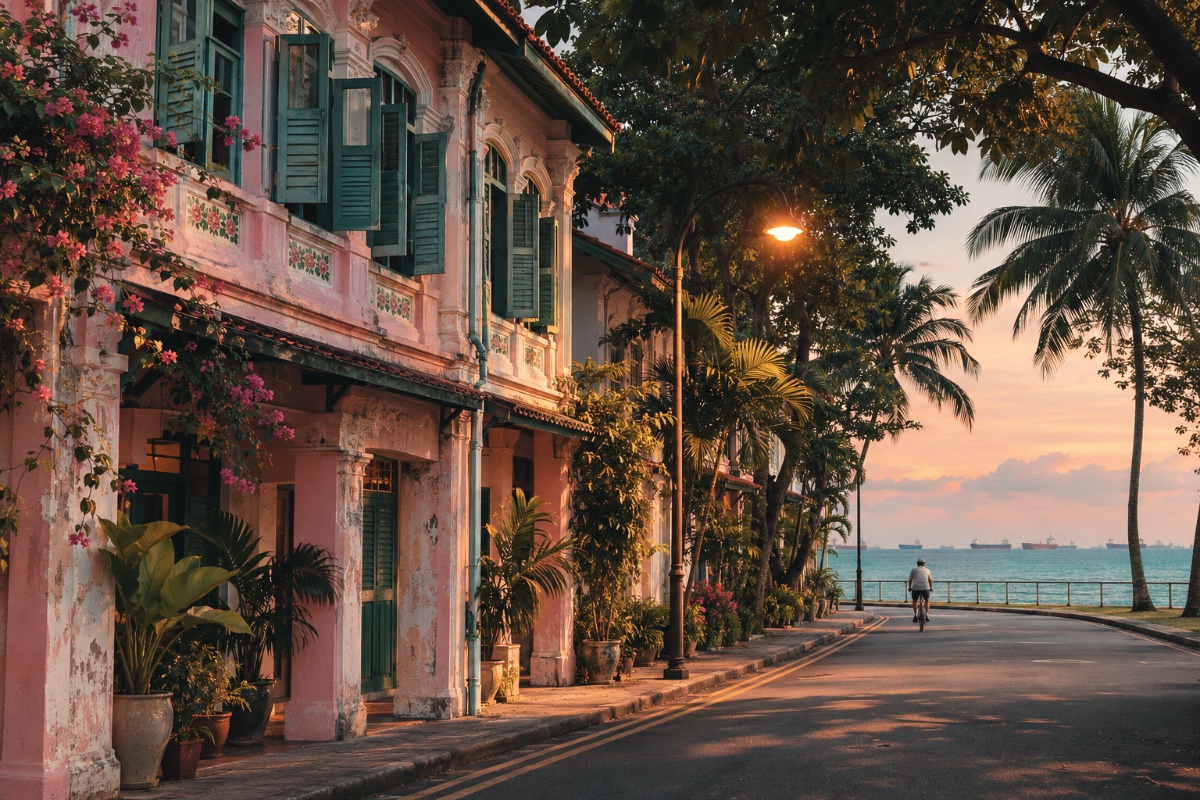
Portra 400 in Colour Only mode: a coastal street scene
PORTRA 400COLOUR ONLY
tRVCR / SAMPLE 01
THE LOOKALWAYS FREE

Portra 400

Soft contrast, warm natural skin tones

The colour character of film, without added texture. A lighter path for live recording.

40 film-inspired looks

These are stylised, hand-tuned approximations, not measured film profiles. Film names belong to their respective owners; tRVCR is not affiliated with or endorsed by them. The original scene is AI-generated; effect previews use the production renderer. Still samples cannot show animated grain or changing light.

03 / YOUR KIND OF FILM

A touch of colour.
Or the whole atmosphere.

Both modes share the same 40 film palettes. Choose how much of the analogue feeling comes along.

A

Colour Only

Beautiful film-inspired colour, with the extra texture left out. The lighter rendering mode, designed to give live recording more room to breathe.

  • The same stock-specific colour palettes
  • No added grain, glow, dust or vignette
  • Default for a fresh installation
B

Full Retro

Colour with a little history. Each preset adds its own balance of texture and light, from delicate grain to the soft glow of vintage cinema.

  • Grain, halation, bloom and vignette by preset
  • Dust, scratches or mosaic where the look calls for it
  • Live capture or processing after Stop, chosen for your phone

04 / STAY IN THE MOMENT

A little control.
A lot of possibility.

A clear recording button. A zoom that follows your hand. Focus and light, exactly where you want them.

tRVCR
Interactive illustration of tRVCR’s focus and light targetsDRAG THE TARGETS. FIND YOUR FRAME.
AUDIO ONREADY

Interactive illustration · no camera or microphone is accessed

01

Focus here. Meter light there.

Move the focus and exposure targets independently, even while recording. Focus blinks red while searching and turns green when it settles.

02

Zoom with a lighter touch.

A smooth zoom slider with a focal-length scale keeps framing intuitive. Supported rear cameras switch lenses automatically as you zoom.

03

Sound, or simply silence.

Tap the microphone before recording to choose audio on or off. Your preference stays with you next time.

04

Turn the phone. Keep the shot.

The preview and controls follow your orientation. The saved movie’s orientation is set when you start recording.

05

The details are yours to keep.

Choose 1080p or 4K on supported cameras. Save MOV clips to Photos, with HEVC video and optional AAC audio on the live-effects path.

05 / THOUGHTFUL UNDER THE HOOD

Knows your phone.
Respects its limits.

tRVCR profiles its effects engine on the first eligible launch, then chooses a recording path for your device, resolution and rendering mode.

WHEN YOUR PHONE IS READY

Look. Record. Keep.

On qualified modes, the effect is rendered and encoded while you record. After Stop, the movie is finalised and saved.

LIVE EFFECTS RECORDING

WHEN A LOOK NEEDS MORE TIME

Shoot now. Develop after.

For more demanding combinations, the camera records first and applies the effect after Stop. The original is retained until the processed movie saves successfully.

CAPTURE + POST-PROCESSING

A cooler approach. Preview detail and cadence adapt to rendering load, Low Power Mode and heat. Export slows or waits when necessary; critical heat stops recording.

Performance depends on the moment. 4K live effects are device-, mode- and temperature-dependent. A successful short calibration is not a guarantee of sustained frame rate. Processing may take longer than the clip itself.

A SMALL PERSONAL TOUCH

Your camera.
Your kind of character.

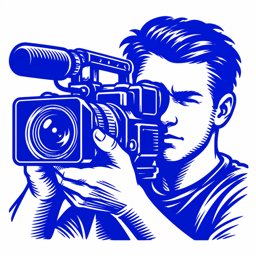
A deep-blue videographer on a clean white background. Choose the man or woman icon from the app’s Home Screen quick actions.

06 / KEEP IT SIMPLE

Start with two.
Fall for forty.

A free camera with two film looks to keep. One purchase opens the rest of the cabinet.

PORTRA 400 Warm colourTRI-X 400 Classic B&W

Always free for everyone, in both rendering modes.
Original recording is always available, too.

THE COMPLETE COLLECTION

All 40. All yours.

US$4.99one time

2026 launch price · through December 31

  • Unlock the remaining 38 film-inspired effects
  • Use every look in Colour Only and Full Retro
  • Lifetime unlock, no subscription
  • Restore Purchases through your Apple account
See release status

US$9.99 from January 1, 2027. Early buyers keep their unlock.

Scheduled US pricing, available once the app and purchase are released. Regional prices vary; the App Store purchase sheet shows your final local price.

A FEW THINGS YOU MIGHT BE WONDERING

Before you press record.

Will every effect record live at 4K?

No. Live recording depends on the phone, resolution, selected mode and thermal conditions. Colour Only is less demanding than Full Retro. The app profiles the device and uses processing after recording where the live path does not qualify.

Are these exact reproductions of physical film stocks?

They are stylised, hand-tuned approximations of familiar film characteristics, rather than measured film profiles. Every look has its own colour treatment, and Full Retro adds preset-specific texture.

Which iPhones can use tRVCR?

The current release build requires iOS 26 or later. Resolution, zoom range, focal-length readouts and automatic lens transitions depend on your iPhone’s camera hardware. 4K is available only on supported cameras.

Do I need an account or a subscription?

There is no separate tRVCR account and no subscription. Portra 400, Tri-X 400 and Original are always available. The other 38 effects use a single Apple in-app purchase, with Restore Purchases for the same Apple account.

Where do recordings and calibration data go?

Effects processing and capability profiling run on the device. Calibration uses generated frames, not camera images or microphone audio. Clips save to Photos with your permission. If saving fails, the app retains a local copy and offers export. Read the privacy details.

How do I change sound or the app icon?

Tap the microphone icon before recording to enable or disable audio. To switch the app icon, long-press tRVCR on the Home Screen and choose Woman Icon or Man Icon. Resolution and microphone controls are locked while a clip is recording; zoom and targets remain available.

What happens if I leave the app while recording?

Recording ends when the app moves to the background. Keep tRVCR open while filming and while an effects export finishes. If Photos saving fails, keep the local recording until it has been exported successfully.

IN DEVELOPMENT · TESTFLIGHT BUILD PREPARED

Life doesn’t need a script.
Just press record.

tRVCR is getting ready for its App Store debut.
A public download or beta link isn’t available yet.

Find your first look

For iPhone · iOS 26 or later · Built by Baskaran